
Turn written prompts into AI videos for social posts, ads, product stories, and creative concepts.
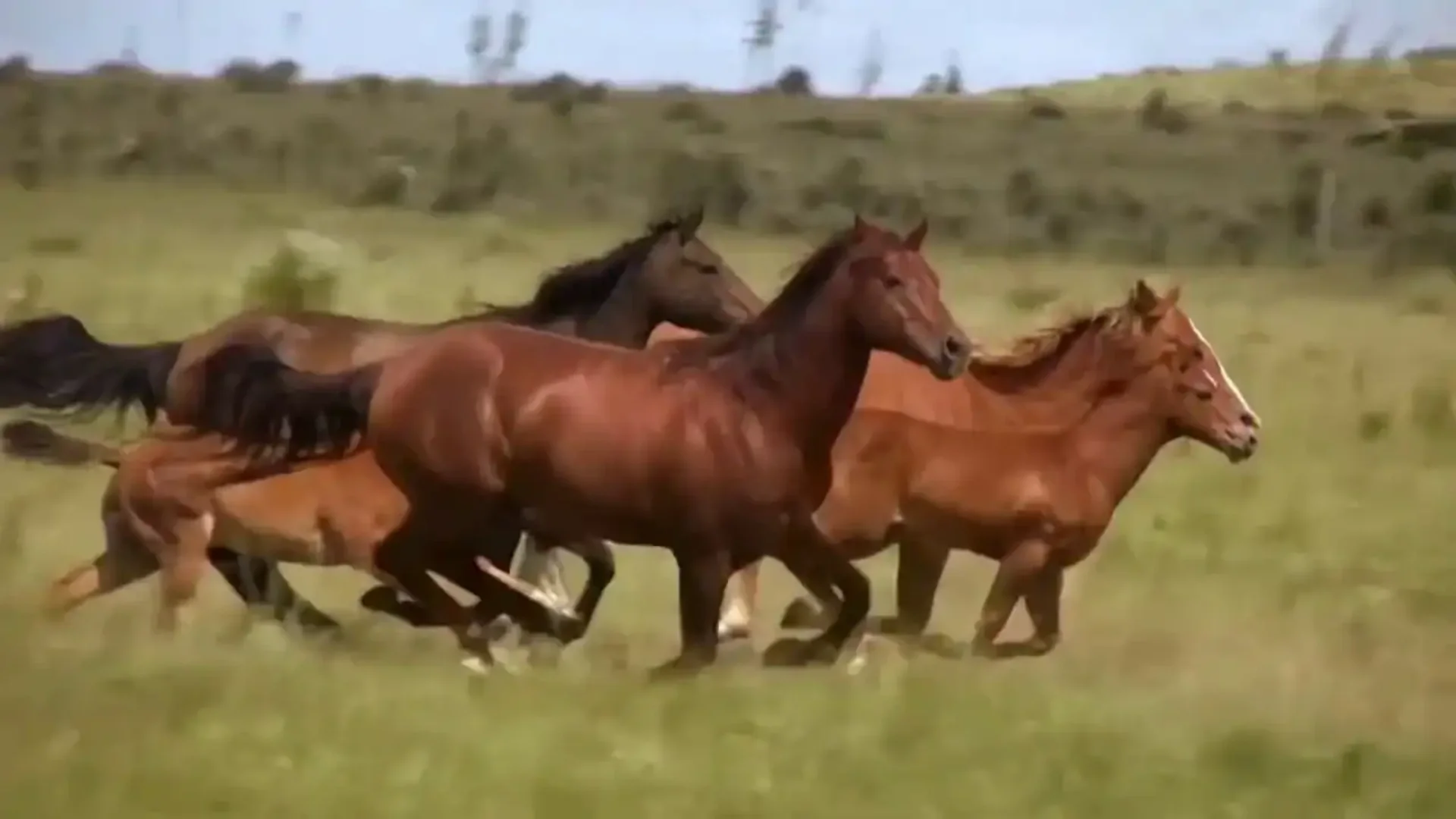
HappyHorse AI Video Generator
Create cinematic videos with HappyHorse AI. Turn prompts or images into 1080p video with synchronized audio, multilingual lip-sync, and production-ready motion — built for creators and teams.
What Is HappyHorse AI?
HappyHorse AI is an online AI video generator that helps you create videos from text prompts, images, and visual references. It combines text-to-video, image-to-video, synced audio, multilingual lip-sync, and commercial usage rights in a browser-based workflow.
Instead of switching between separate tools for video generation, audio, lip-sync, and export, HappyHorse AI gives creators, marketers, and teams a faster way to turn ideas into usable video assets.

Newest Model
HappyHorse 1.1 adds more control for production-ready AI video.
The latest model improves the parts that matter most when a clip needs to look intentional: smoother, more natural motion, stronger consistency from up to 9 reference images, richer synced audio for finished video clips. Use it for text-to-video, image-to-video, and reference-to-video workflows when character, product, or scene continuity is important.
Real Outputs
HappyHorse AI Video Examples
Explore real videos generated with HappyHorse AI from text prompts, images, and reference-based workflows.
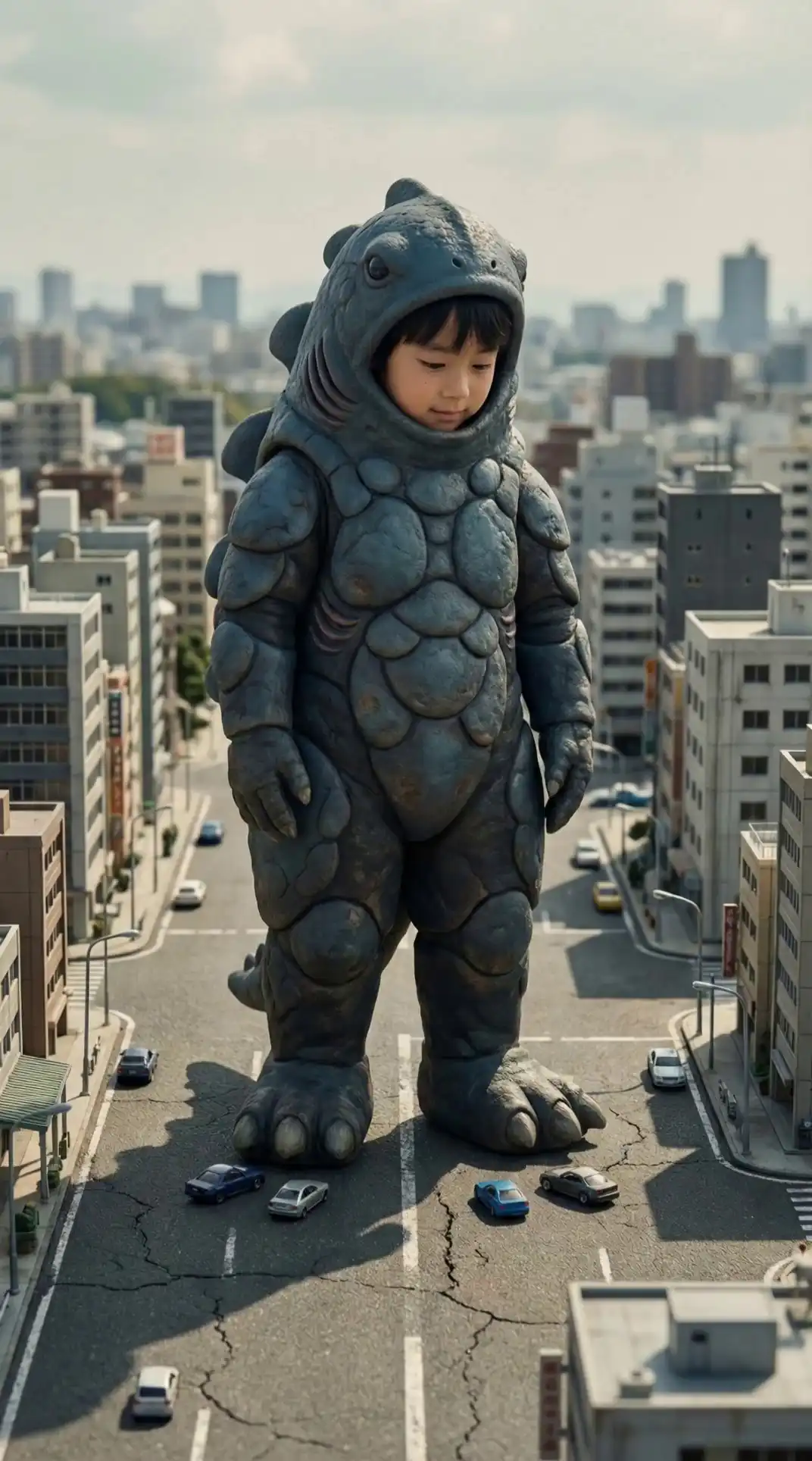
Freedom in Flight 
Golden Hour Joy 
Cozy Afternoon Tea 
Blossoming Beauty 
Shocked Moment 
Winter Secret
Key Features of HappyHorse AI
Everything you need to generate, edit, and scale AI videos — from text prompts to production-ready 1080p output in seconds.
Upload a product photo, character image, or visual reference and turn it into a moving video clip.
Upload an existing video and use HappyHorse AI to modify motion, style, scenes, or visual details with a simple browser-based workflow.
Use reference images to guide the subject, scene, style, or visual direction of your video.
Export high-resolution videos for social media, product marketing, client projects, and online publishing.
Create short AI videos from 3 to 15 seconds, giving you flexible clip lengths for social posts, ads, product demos, and creative tests.
Create videos with synced audio so your clips are easier to use for stories, ads, and social content.
Generate talking characters, spokesperson clips, and dialogue scenes with lip-sync support across multiple languages.
Create videos online without installing software, setting up a local GPU, or using command-line tools.
How It Works
How to Use HappyHorse AI
Create AI videos from prompts, images, or existing clips in a simple browser-based workflow.
Start with a Prompt, Image, or Video
Enter a text prompt, upload an image, or use an existing video as your starting point. HappyHorse AI supports text-to-video, image-to-video, and video-to-video workflows.
Choose Your Video Settings
Set the video length, resolution, and creation mode before generating. You can create short AI videos from 3 to 15 seconds with output up to 1080p.
Generate, Download, and Use Your Video
Generate your video in the browser, then download the finished clip for social media, ads, product pages, client projects, or other commercial use cases.
[ Trusted Impact ]
What HappyHorse AI Users Are Saying
4.9/5 Average Rating
“HappyHorse cut our video production time from days to minutes. We now generate multiple ad variations in a single workflow and deliver faster to clients without extra editing costs.”
“We use HappyHorse to create product videos for seasonal campaigns. The commercial license included is a huge advantage — no legal headaches, just publish-ready content.”
“The ability to generate cinematic video scenes from text helped us prototype game trailers early in development. It feels like having a full video studio inside the browser.”
“I can turn simple ideas into full 1080p videos in minutes. It completely changed how I produce content for TikTok and Instagram.”
“HappyHorse gave us a way to create demo videos without hiring a production team. It's fast, consistent, and scalable for early-stage startups like ours.”
“The audio + video generation in one pass is a game changer. It saves our team from syncing voiceovers and background sounds manually.”
Leaderboard
HappyHorse AI Performance on Artificial Analysis Video Arena
Elo scores based on blind human evaluations comparing AI-generated video outputs across text-to-video and image-to-video benchmarks.
#1
Text-to-Video (no audio)
Elo 1333–1357
#1
Image-to-Video (no audio)
Elo 1391–1406
#2
Text-to-Video (with audio)
Elo 1205
#2
Image-to-Video (with audio)
Elo 1161
Data source: Artificial Analysis Video Arena (April 2026). Rankings are based on blind human preference tests comparing AI video models across text-to-video and image-to-video tasks, with and without audio.
Use Cases
HappyHorse AI Use Cases
Use HappyHorse AI to create videos for social posts, product demos, ads, client projects, and team workflows.
CREATORS
YouTube and TikTok Content Creators Scaling Video Output
Creators use HappyHorse AI to generate B-roll, visual intros, and scene transitions without stock footage subscriptions or motion graphics tools. A single text prompt produces a usable clip in seconds.
MARKETING
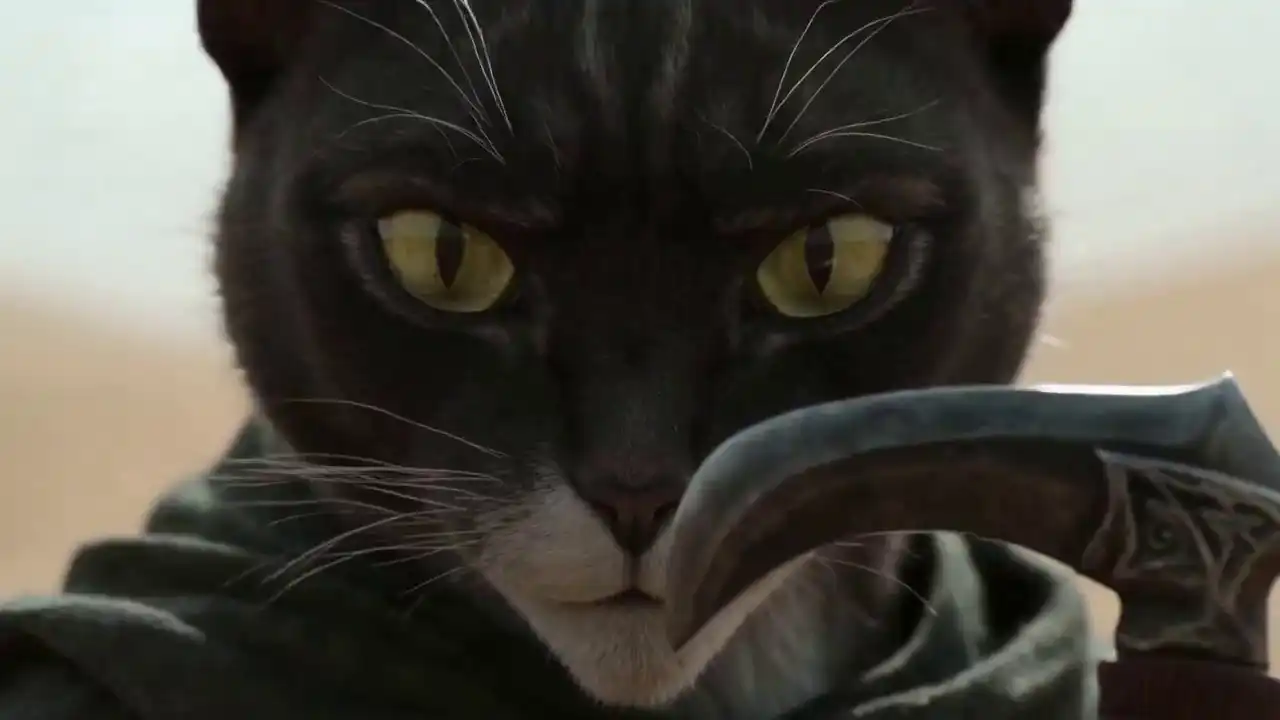
Marketing Teams Producing Ad Creative at Scale
Performance marketing teams generate multiple video ad variants from a single product image or brief, then test them in-platform without committing to a full shoot. HappyHorse AI's commercial license means every variant is immediately media-ready.
E-COMMERCE
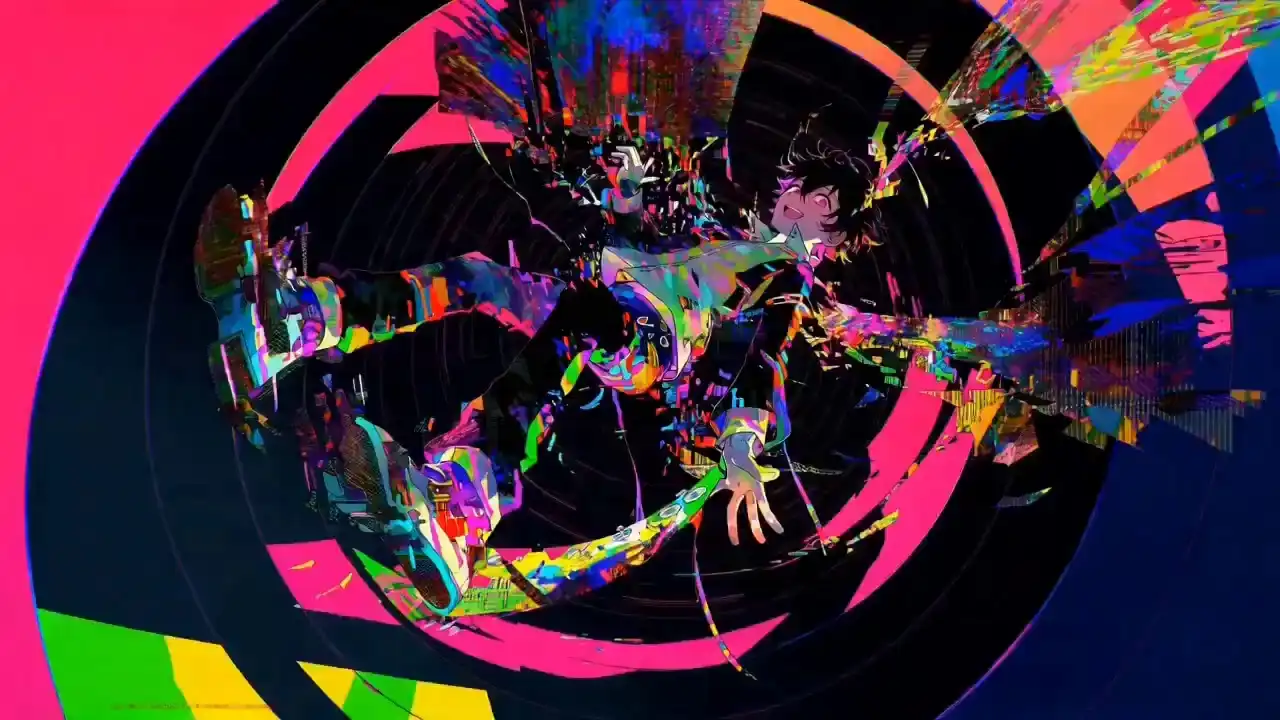
E-Commerce Brands Animating Product Photography
Static product photos become motion-forward clips for storefronts, social ads, and email campaigns. HappyHorse AI's image-to-video pipeline preserves product detail and color accuracy across frames.
Comparison
Why Choose HappyHorse AI?
HappyHorse AI combines text-to-video, image-to-video, synced audio, lip-sync, and commercial usage rights in one browser-based workflow.
Simple Pricing
HappyHorse AI Pricing
Buy credits once and use them to create AI videos online. All paid credit packs include commercial usage rights, watermark-free exports, and browser-based video generation.
Starter
$9.9/One-time
Perfect for beginners to explore AI video generation with HappyHorse.
- 240 credits included
- Text-to-video generation
- Image-to-video conversion
- 720p and 1080p output
- Commercial usage rights
- No watermarks
- Standard processing
Pro
$29.9/One-time
Ideal for creators who need more capacity and better value.
- 750 credits included
- 720p and 1080p output
- Save 4% per credit
- Multi-shot storytelling
- Native audio sync
- Reference-driven consistency
- Commercial usage rights
- Priority processing
Most Popular
Scale
$49.9/One-time
Best for production teams that need high-volume video generation.
- 1400 credits included
- 720p and 1080p output
- Save 14% per credit
- Multi-shot storytelling
- Native audio sync
- Reference-driven consistency
- Commercial usage rights
- Faster processing
Enterprise
$99.9/One-time
Maximum value for studios and businesses with large-scale needs.
- 3000 credits included
- 720p and 1080p output
- Best value ($0.033/credit)
- Multi-shot storytelling
- Native audio sync
- Reference-driven consistency
- Commercial usage rights
- Highest priority processing
One-time credit packs. No subscription required. Commercial usage rights included with paid credits.
One-time purchaseCredits never expireCommercial useDirect support
FAQ
Frequently Asked Questions About HappyHorse AI
Get answers about how HappyHorse AI works, video generation, commercial usage, and more. Perfect for advertisers, creators, and businesses.
HappyHorse AI is an online AI video generator that turns text prompts or images into cinematic videos. It supports 1080p output, synced audio, multilingual lip-sync, and commercial use.
Ready to Create Your First AI Video?
Use HappyHorse AI to turn text prompts or images into 1080p videos with synced audio, lip-sync, and commercial usage rights.
Free credits available. No software required. Commercial usage rights included.